Back up over SSH
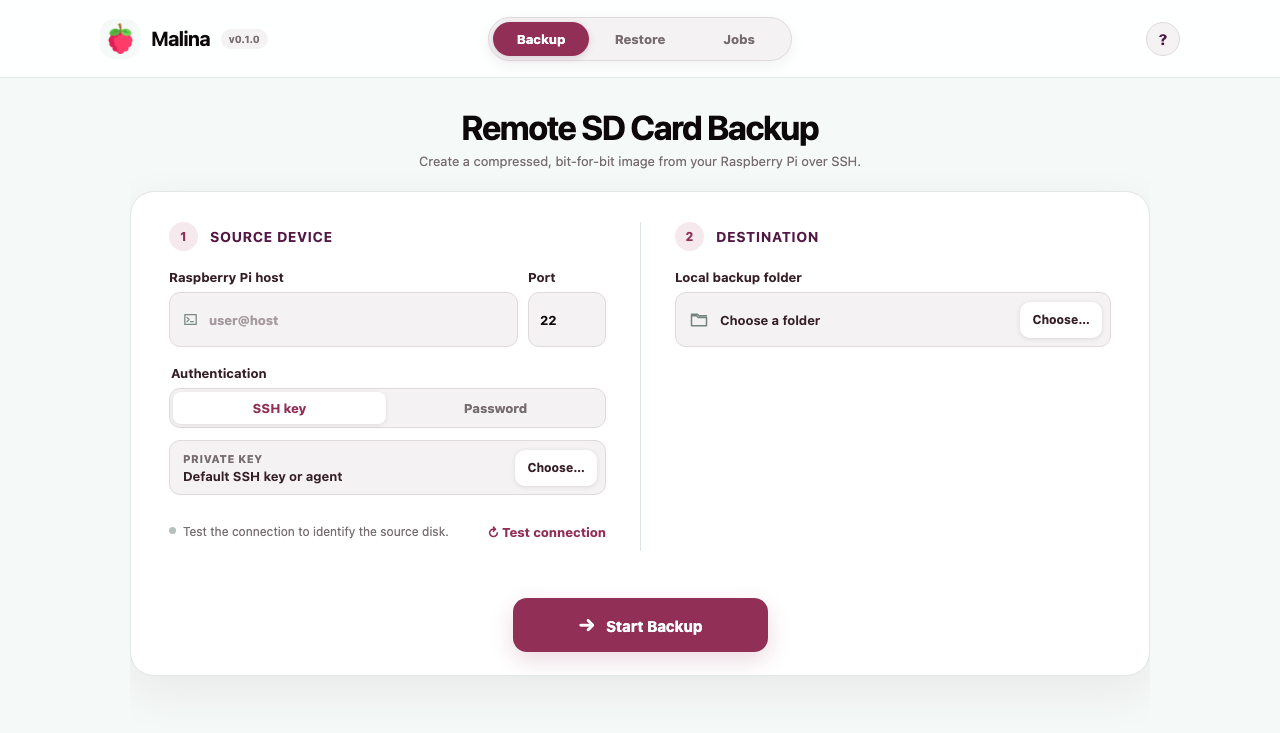
Connect with your existing SSH key, agent or password. Nothing needs to be installed on the Raspberry Pi.
 Malina
Create a compressed, bit-for-bit image of a running Raspberry Pi over SSH. Restore it to removable media with verification built in.
Malina captures the partition table, boot sectors, operating system, applications and data in a single portable image.
Connect with your existing SSH key, agent or password. Nothing needs to be installed on the Raspberry Pi.
Checksums are recorded during backup and checked before a destination is opened.
Run concurrent jobs with live progress. Pause, resume or cancel from one clear queue.
Use the native interface day to day, or automate the same Go engine from your terminal.
$ malina backup \
  --host pi@home \
  --output ~/Backups

✓ source  /dev/mmcblk0
✓ sha256 verifiedNative controls guide you from connection to capture and guarded restore without hiding what happens to your disks.
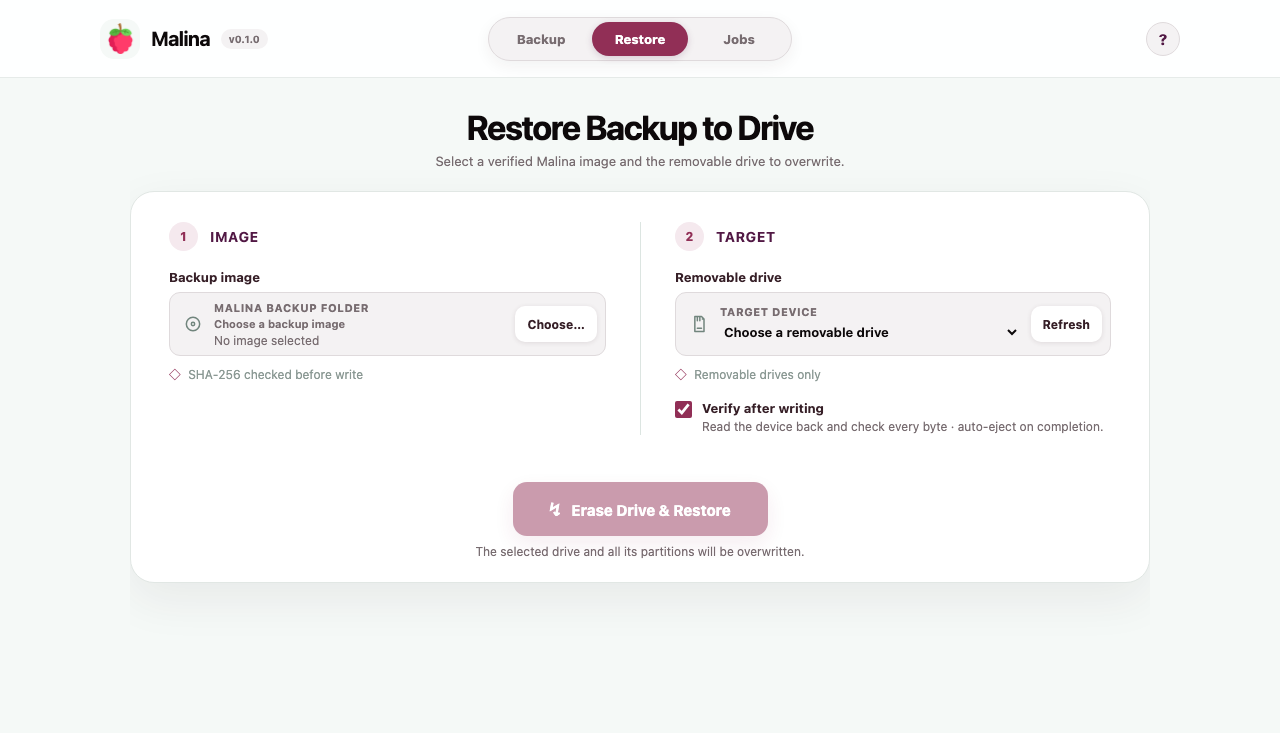
Back up remotely. Identify the Pi's source disk over SSH, choose a local folder, and stream the complete device without writing to it.
Restore deliberately. Select a verified Malina image and a discovered removable target before any destructive action begins.
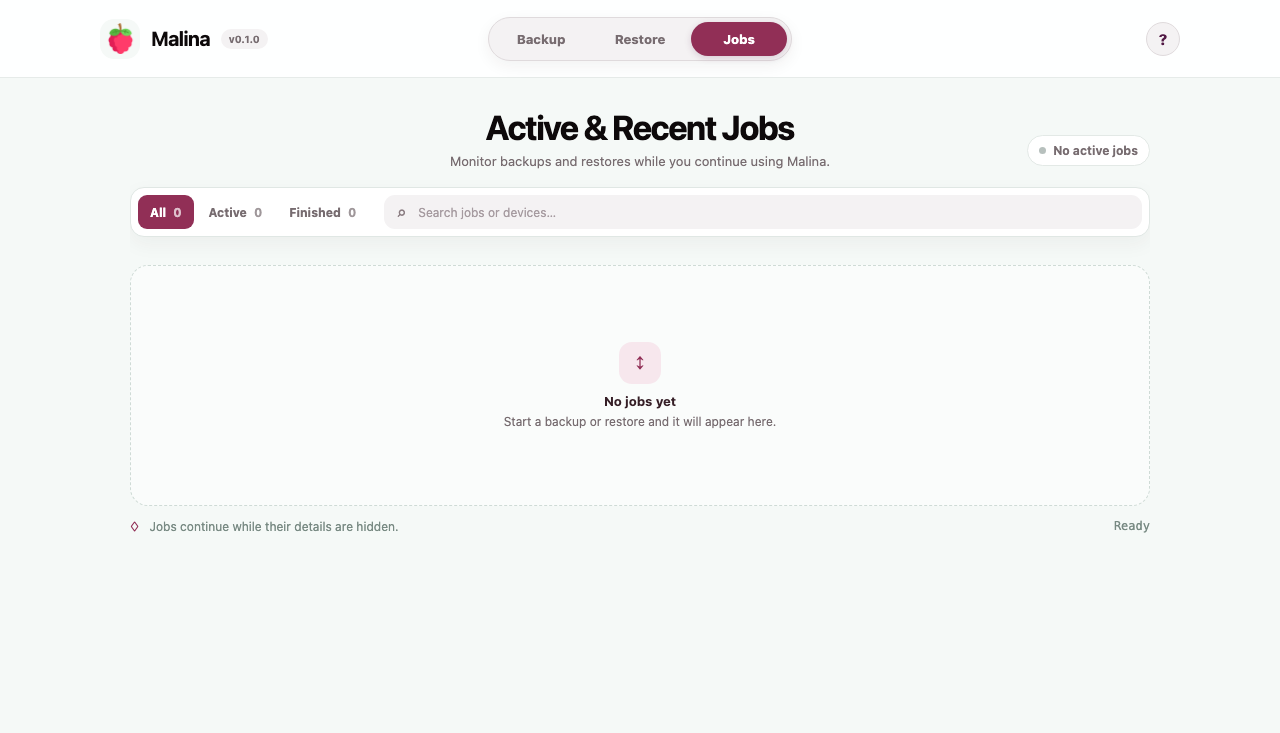
See every operation. Search and filter active or completed backups and restores from the native job queue.
Enter the Pi's SSH address and use your existing authentication.
Malina reads, compresses and calculates checksums as it streams.
Choose a verified image and an explicitly discovered removable drive.
Disk restores are powerful. Malina makes the destructive step explicit and verifies the backup before opening the target.
Read the safety boundariesInternal and system disks are excluded from destination discovery.
The selected target identifier is required again before erasing.
Verify every written byte before automatically ejecting the drive.
Failed captures are cleaned up instead of looking complete.
Every archive includes the native desktop app and command-line interface.
Universal · Apple Silicon + Intel
Windows 10/11 · x64
Desktop + CLI · amd64
Preview software: macOS builds are ad-hoc signed and Windows builds are currently unsigned. Your operating system may show an additional confirmation. Review the release notes and checksums before installing.
Keep a complete way back